Mastering the Laser Cut Gift Boxes Bundle SVG for Precision Crafting
Crafting professional-grade packaging requires more than just a creative eye; it demands technical precision and the right digital assets. The Laser Cut Gift Boxes Bundle SVG has emerged as an essential resource for makers who want to elevate their product presentation without spending hours designing structural templates from scratch. Whether you are a small business owner shipping handmade soaps, a hobbyist creating holiday decorations, or a professional designer prototyping new concepts, having access to high-quality, pre-tested vector files can significantly streamline your workflow. However, simply downloading a file is not enough. Many creators overlook critical details regarding material compatibility, software settings, and file preparation, leading to wasted materials and frustrating results.
Understanding the Value of Pre-Designed Vector Bundles
A laser cut gift box bundle is not merely a collection of shapes; it is a engineered solution for three-dimensional assembly. These bundles are specifically designed for precision cutting using 3 mm material thickness, which is the industry standard for sturdy yet workable cardboard, wood, and acrylic sheets. The primary advantage of using a dedicated bundle like this is the assurance of structural integrity. When you design a box from scratch, calculating fold lines, tab lengths, and interlocking mechanisms can be tedious and error-prone. A well-prepared bundle eliminates this guesswork.
The versatility of these files is another major selling point. They are suitable for use with a wide array of machinery, including industrial laser cutting machines, desktop cutters like Cricut and Glowforge, and even CNC systems. This broad compatibility means that whether you are working with layered paper crafts for delicate invitations or robust wood for home décor projects, the underlying geometry remains sound. The inclusion of multiple file formats—AI, EPS, SVG, DXF, and PNG—ensures that you can open and edit these designs in virtually any design software, from Adobe Illustrator and CorelDRAW to free alternatives like Inkscape.
Common Mistakes That Compromise Quality
Despite the ease of use promised by modern digital assets, several common pitfalls can derail your project. Understanding these errors beforehand can save you time, money, and material.
Ignoring Material Thickness Specifications
The most frequent mistake users make is assuming that any material will work with any file. This Laser Cut Gift Boxes Bundle SVG is optimized for 3 mm material thickness. If you attempt to use 2 mm cardstock or 5 mm plywood without adjusting the vector paths, the tabs will not fit into their slots correctly. Using thinner material results in loose joints and a box that falls apart, while thicker material causes tabs to break or prevents the box from closing entirely. Always verify your material’s actual caliper before cutting, as nominal sizes often vary by manufacturer.
Overlooking File Format Compatibility
While SVG is a universal format, it is not always the best choice for every workflow. Beginners often download the SVG file and import it directly into a CAM (Computer-Aided Manufacturing) software without checking for node errors or overlapping paths. For professional laser cutters, the DXF or AI formats are often superior because they preserve layer information and line weights more accurately. Ignoring these nuances can lead to the laser cutter interpreting score lines as cut lines, ruining the foldability of the box. Always inspect your vectors in a dedicated editor before sending them to your machine.
Neglecting Kerf Compensation
Kerf refers to the width of the material removed by the laser beam or blade. Many users forget to account for kerf when assembling tight-fitting boxes. If your machine has a significant kerf width, the tabs may end up slightly too short. While high-quality bundles are designed with standard tolerances in mind, failing to test-cut a single prototype can result in a batch of unusable boxes. It is crucial to perform a test run on scrap material to fine-tune your power and speed settings, ensuring clean edges without excessive charring or widening of the cut path.
Best Practices for Efficient Production
To maximize the potential of your Laser Cut Gift Boxes Bundle SVG, adopt a methodical approach to your crafting process. Start by organizing your digital workspace. Since the bundle includes AI, EPS, SVG, DXF, and PNG files, choose the format that best integrates with your specific software ecosystem. If you are using a Cricut, the SVG format is ideal, but ensure you ungroup all elements to assign different line types for cutting and scoring. For Glowforge users, uploading the PNG or SVG allows for easy visual arrangement, but double-check that the software recognizes the inner cut lines correctly.
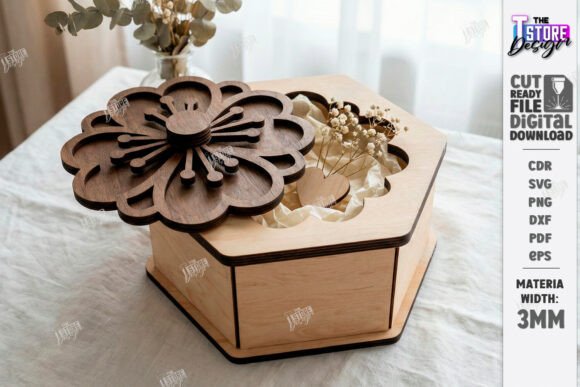
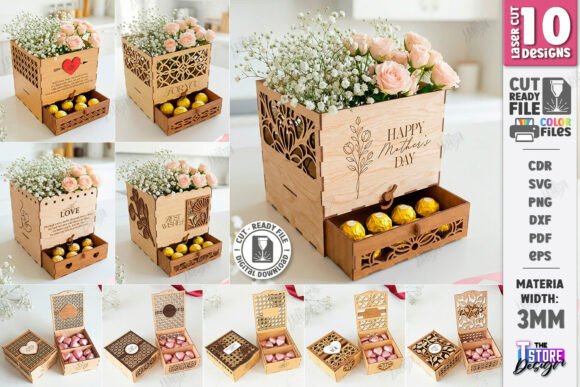
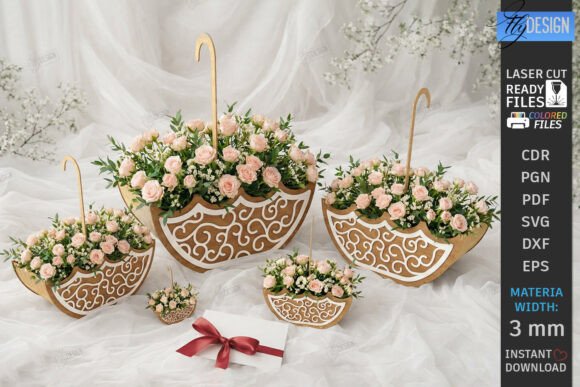
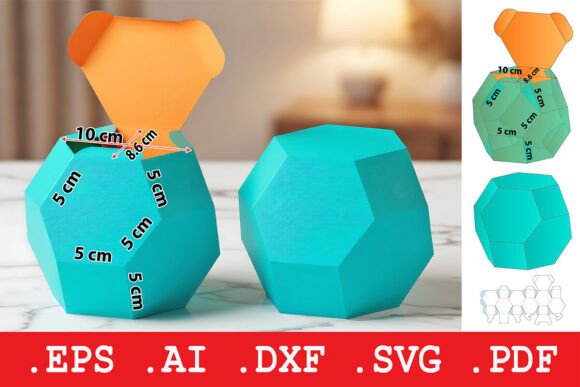
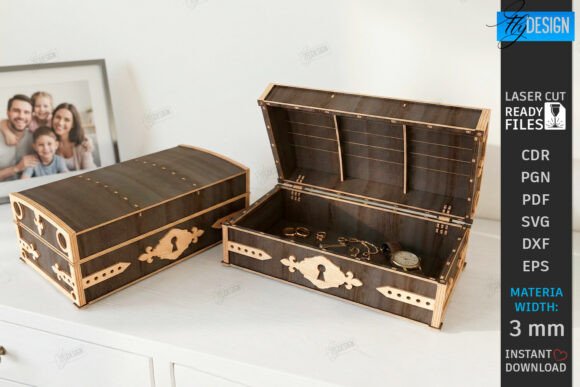
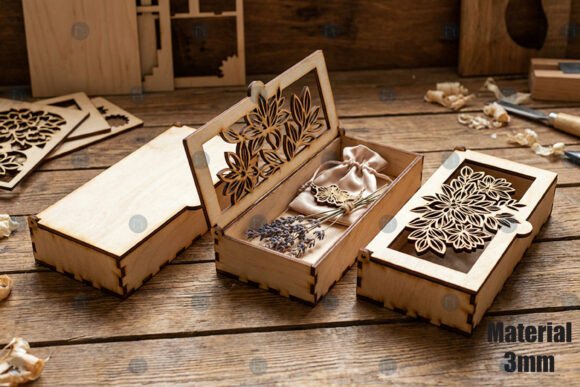
Customization is key to making these boxes unique. The designs are easy to customize, allowing flexibility for your creative workflow. You can add monograms, logos, or decorative patterns using the vector nodes in Illustrator or Inkscape. However, maintain the structural integrity of the original design. Avoid placing heavy ink coverage or complex cuts near fold lines, as this can weaken the material and cause cracking during assembly. Use the realistic 3D mockup style preview provided with the bundle as a reference for how the final product should look, but remember that screen colors do not always translate perfectly to physical materials.
What to Check Before You Buy or Download
Before committing to a specific bundle, evaluate its suitability for your needs. Look for clear documentation regarding material thickness recommendations. A reputable provider will specify whether the files are optimized for paper, cardboard, wood, or acrylic. Check if the bundle includes both cut lines and score lines on separate layers. This separation is vital for efficient production, as it allows you to set different power levels for cutting through the material versus scoring it for folding.
Additionally, consider the complexity of the designs. Some boxes feature intricate lattice work or interlocking lids that require high-precision lasers. If you are using a blade-based cutter like a Cricut, ensure the details are not too fine for the blade to navigate without tearing the paper. The inclusion of DXF files is a good indicator of professional-grade quality, as this format is widely used in industrial CNC applications. Finally, read user reviews or examine the preview images closely to gauge the realism and accuracy of the designs.
Enhancing Your Creative Workflow
Integrating a Laser Cut Gift Boxes Bundle SVG into your routine does more than just save time; it enhances the perceived value of your creations. For entrepreneurs, consistent, high-quality packaging builds brand trust. For educators, these files provide excellent teaching tools for geometry and engineering concepts. For hobbyists, they offer a satisfying, low-friction entry into the world of laser cutting.
Remember that the goal is efficient and accurate production. By respecting the technical constraints of your materials and machinery, and by leveraging the flexibility of multi-format files, you can produce stunning, professional-grade gift boxes with minimal waste. Take the time to understand the tools at your disposal, and let the precision of these digital assets elevate your craft to new heights.