Seamless Fabric Textures - Flat Carpet: A Practical Guide for Digital Creators
In the realm of digital design, architectural visualization, and physical crafting, the quality of your base materials dictates the realism and professionalism of your final output. Seamless Fabric Textures - Flat Carpet represents a critical asset class for creators who require consistency, high resolution, and versatility. Whether you are designing a virtual environment in Blender, creating printable scrapbook pages, or producing vinyl decals for a small business, the underlying texture must be flawless. This guide explores how to effectively integrate high-quality, seamless carpet and fabric patterns into your workflow, ensuring that your projects maintain visual integrity across various scales and mediums.
Understanding the Value of High-Resolution Seamless Patterns
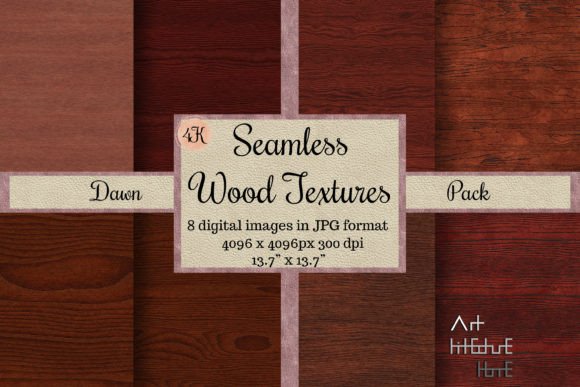
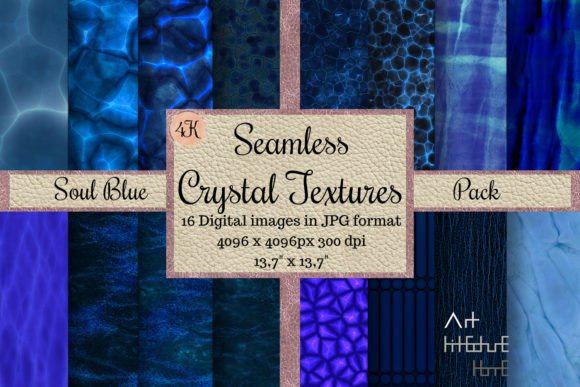
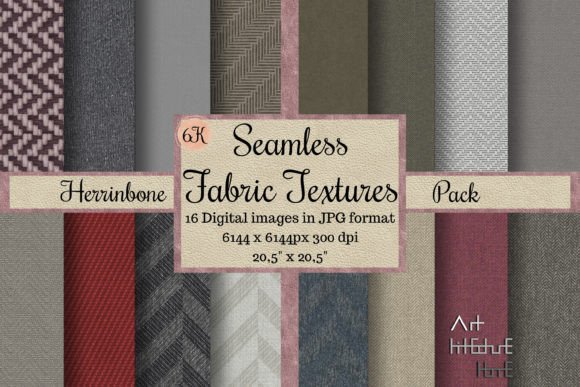
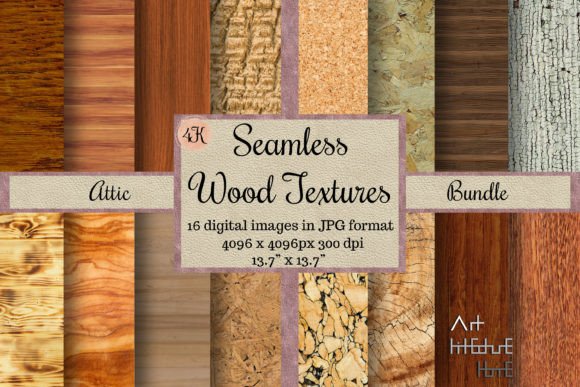
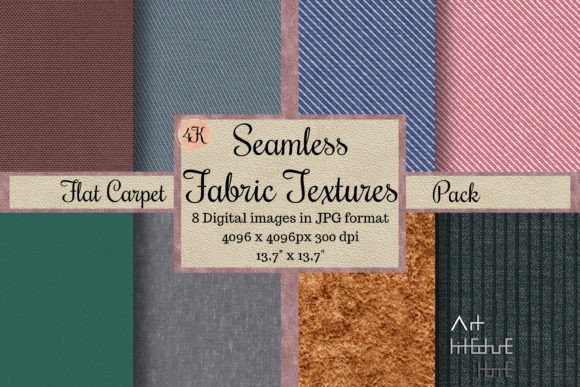
The term "seamless" is not merely a marketing buzzword; it is a technical requirement for efficient design. When a texture tiles perfectly without visible edges or repeating artifacts, it allows designers to cover large surfaces—whether digital floors in a 3D render or physical wrapping paper—without interruption. The Seamless Fabric Textures - Flat Carpet pack discussed here offers eight distinct patterns plus a bonus file, all rendered at 4K resolution (4096 x 4096 pixels). At 300 DPI, these images measure 13.7 x 13.7 inches (34.8 cm x 34.8 cm), providing sufficient detail for both screen-based applications and high-quality physical prints.
For professionals, this resolution ensures that textures remain crisp when scaled. For hobbyists using cut machines like Cricut or Silhouette, the clarity of the weave and fiber details allows for precise cutting and realistic visual effects in paper crafts. The inclusion of a lined fabric pattern and various woven structures provides a diverse toolkit for mimicking real-world textiles, from coarse burlap to fine upholstery.
Integration into 3D Modeling and Architectural Visualization
One of the primary use cases for these assets is in 3D modeling software such as Blender, SketchUp, and Maya. When creating interior designs, the floor covering often sets the tone for the entire scene. Using low-resolution or non-seamless textures can break immersion, causing distracting repetition or blurring when the camera moves close to the surface.
Workflow for 3D Artists
- Preparation: Import the 4K PNG or JPG files into your material library. Ensure your UV maps are scaled correctly to match the real-world dimensions of the carpet texture.
- Material Setup: In Blender or similar tools, connect the diffuse map to the base color. For added realism, use the same image as a bump or normal map to simulate the depth of the fabric weave. This creates a 3D texture effect without requiring heavy geometry.
- Lighting Interaction: High-quality textile textures react differently to light than smooth surfaces. Adjust the roughness and specular values in your shader to mimic how light scatters across fabric fibers. This step is crucial for achieving photorealism in architectural drawings and renderings.
These textures serve as excellent Blender materials because their neutral tones and consistent lighting allow them to blend seamlessly with various lighting setups. They are also compatible with texture management tools like TexturePacker, allowing teams to organize assets efficiently for large-scale game development or visualization projects.
Application in Physical Crafting and Print Design
Beyond the digital sphere, these Digital Papers are invaluable for physical production. The 300 DPI resolution is the industry standard for printing, ensuring that the output does not appear pixelated. This makes the pack ideal for Printable Scrapbook layouts, invitation backgrounds, and card making.
Steps for Crafters and Small Business Owners
- Selection: Choose a pattern that complements your theme. For instance, a subtle carpet Background can provide a warm, textured backdrop for wedding invitations, while a bolder weave might suit rustic decor items.
- Scaling: Since the files are square and seamless, you can tile them in Photoshop or Illustrator to create sheets of any size. This is particularly useful for creating custom wrapping paper or large-format backdrops for events.
- Printing: Use high-quality cardstock or fabric paper. The detailed weave structure adds a tactile visual element that enhances the perceived value of handmade items.
- Cutting and Decoupage: For users of Cricut or other cut machines, these textures can be printed on adhesive vinyl or sticker paper. The high contrast in some patterns aids in registration marks for precise cutting. They are also perfect for decoupage projects, where layers of textured paper create depth on furniture or decorative objects.
Additionally, these patterns are suitable for creating dollhouse sheet flooring or miniature homes sheet backgrounds. The scale of the weave in a 4K image can be adjusted to look like full-sized carpeting or miniature rugs, depending on the print size. This versatility supports educators and hobbyists building detailed dioramas or educational models.
Enhancing Web and Graphic Design Projects
In web design, background textures add depth and prevent flat, sterile interfaces. However, file size and load times are critical concerns. While the source files are 4K, they can be optimized for web use. By compressing the images or using CSS tiling, designers can create lightweight web backgrounds that retain the visual richness of the original Fabric texture.
These assets are also effective for creating mockups. When presenting a logo or product design, placing it on a realistic 3d fabric material background helps clients visualize the final application. This is particularly relevant for branding agencies that need to show how a design looks on upholstered furniture or carpeted office spaces.
Quality Control and Long-Term Usability
Investing in high-quality assets like this texturepacker-ready collection saves time in the long run. Low-quality free textures often require extensive editing to remove seams, adjust lighting inconsistencies, or upscale resolution. By starting with a professional-grade pack, you eliminate these preparatory steps.
Key considerations for maintaining quality:
- Color Consistency: Ensure your monitor is calibrated. The neutral tones in these carpet textures should appear consistent across different devices. This is vital for architectural drawings where material accuracy is paramount.
- File Organization: Store your Digital Paper assets in a structured library. Tag them by type (e.g., "woven," "flat," "lined") to facilitate quick retrieval during tight deadlines.
- Versatility Check: Test the textures in different contexts. A pattern that works well as a floor covering in a 3D scene might also serve as an excellent wall texture art element when rotated or overlaid with transparency.
Expanding Your Creative Toolkit
While this pack focuses on flat carpet and fabric, understanding how these textures interact with other elements is key. For example, combining a lined fabric pattern with a Grass texture or Desert texture in a landscape design can create interesting contrasts between man-made and natural environments. Similarly, layering these fabric textures over wall texture maps can simulate upholstered wall panels in interior design software.
For those exploring Free texture resources online, such as texturehaven or cgtextures, it is important to verify licensing and resolution. Premium packs like this one offer guaranteed seamlessness and uniform lighting, which are often inconsistent in free repositories. This reliability is essential for commercial projects where client satisfaction depends on polish and professionalism.
Conclusion: Streamlining Your Creative Process
The integration of Seamless Fabric Textures - Flat Carpet into your workflow is more than just adding a visual element; it is about enhancing efficiency and quality. Whether you are a 3D artist looking for realistic cgtexture references, a crafter creating printable designs for cards Invitation objects, or a marketer designing vinyl decals, these assets provide a solid foundation. By leveraging the high resolution and seamless nature of these patterns, you can reduce editing time, ensure consistency across projects, and deliver superior results. Remember to experiment with scaling, lighting, and material properties to fully unlock the potential of these versatile digital assets.
For more details on specific usage rights or additional pattern requests, feel free to reach out. Happy creating!